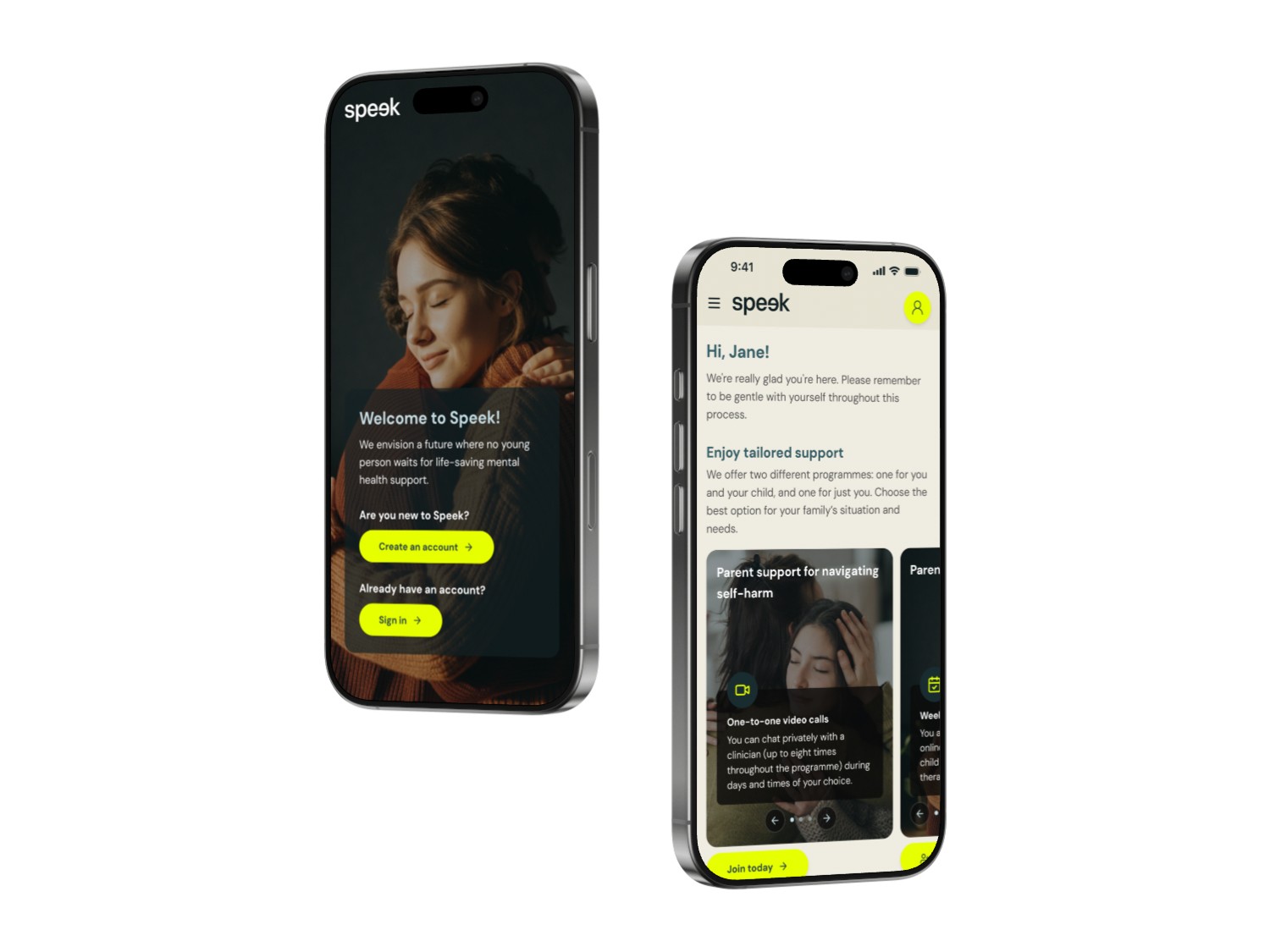
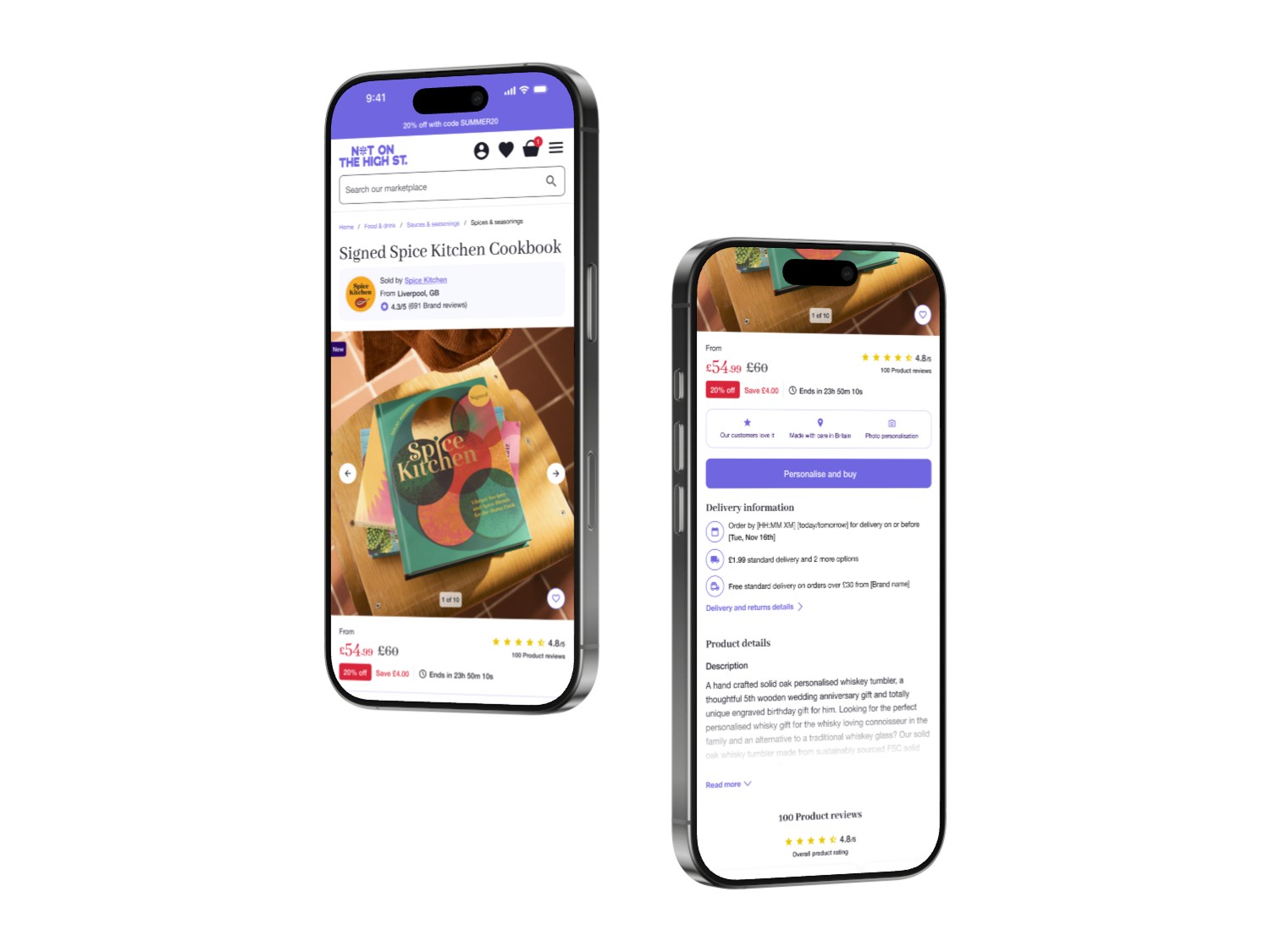
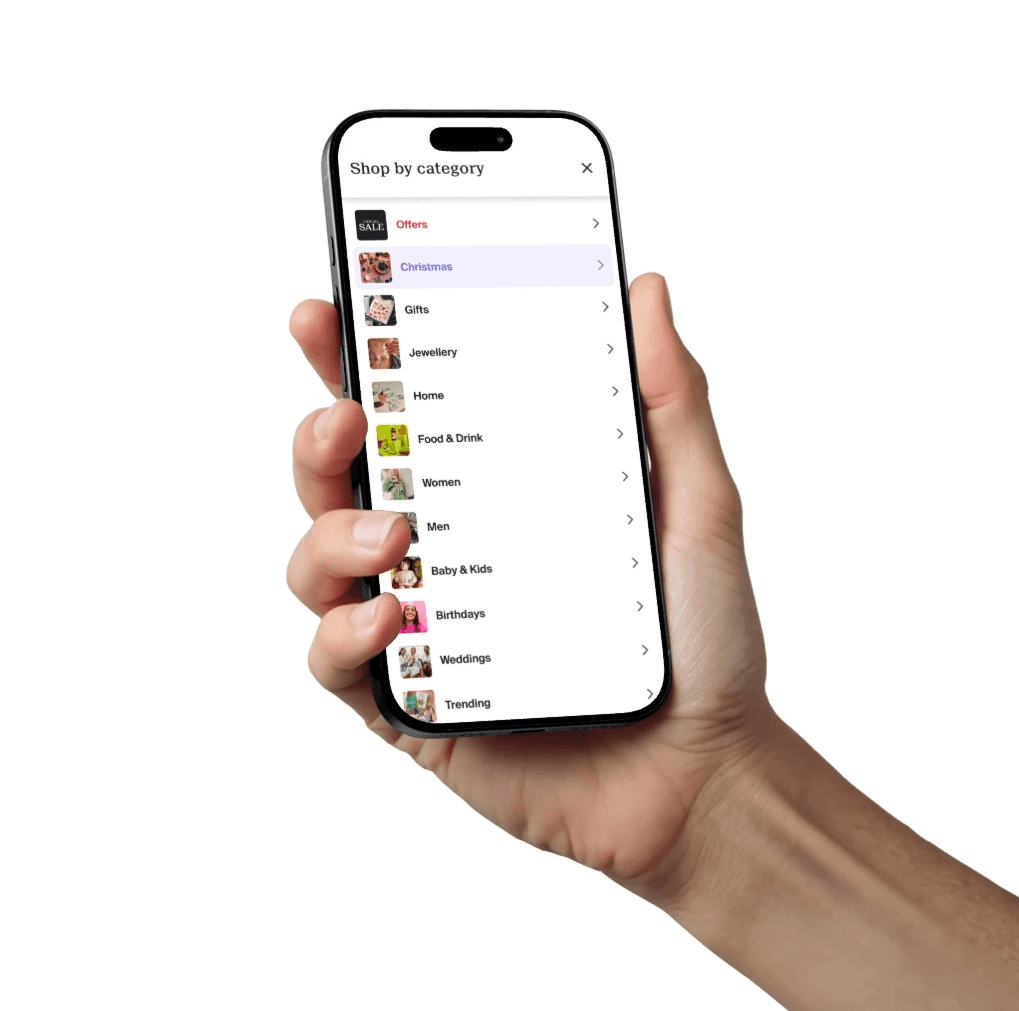
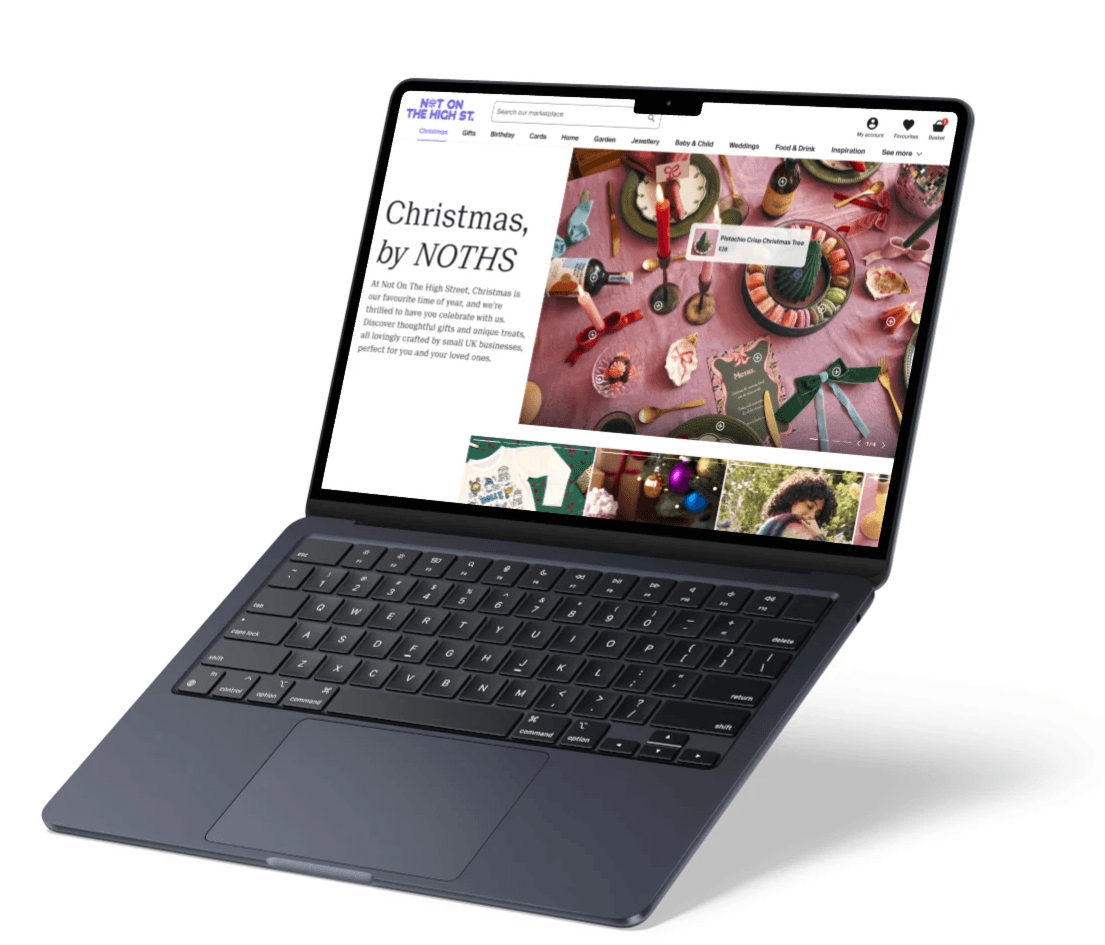
Multiple size variants for different breakpoints
What: Created four size-specific variants of components to address distinct screen sizes (mobile, tablet, small desktop, large desktop), where responsive component design alone wasn’t sufficient.
Why: Ensured visual clarity and usability across devices, especially when layouts changed significantly between breakpoints. Allowed us to quickly create multiple templates with very little manual work.
Single variant with responsive constraints
What: Designed components using auto layout and min/max width constraints, allowing a single variant to adapt fluidly to different container sizes.
Why: Reduced component duplication, increased Figma loading speed, and ensured consistency while supporting responsive behaviour. Plus, it aligned components accurately with how they're built in code.


Local variables for layout and typography
What: Defined local variables for breakpoints, content widths, dynamic spacing, and typography scales, aligning design tokens with the grid and responsive behaviour.
Why: Enabled consistent layout logic, improved design scalability across screen sizes, and supported a systemised approach to responsive design.
Nested and slot-based components for reusability
What: Built components using nested instances, such as shared buttons, icons, and more. Wherever relevant, components were using instance swaps or flexible layout containers within components to allow custom content while maintaining structure.
Why: Allowed updates to propagate system-wide and reinforced consistency across UI elements. Increased flexibility for designers without sacrificing layout rules or design standards.